
Inventory records are useful only when they reflect what the business actually owns and where it is held. A stock system should help a seller answer four questions: what is available, what changed, what needs attention, and what should be reordered?
Build a clean product list
Give each product a consistent name or SKU. Record the unit used for buying and selling, current cost if relevant, selling price, supplier, and any size, colour, batch, or expiry information the business needs. Merge duplicate entries carefully; two similar names may be different products or pack sizes.
Record every stock movement
Use a clear process for deliveries, sales, customer returns, supplier returns, damaged goods, samples, and stock adjustments. Record the date, quantity, reason, and responsible person. A correction should explain why the physical count differed from the system instead of simply replacing the number.
Count stock and investigate differences
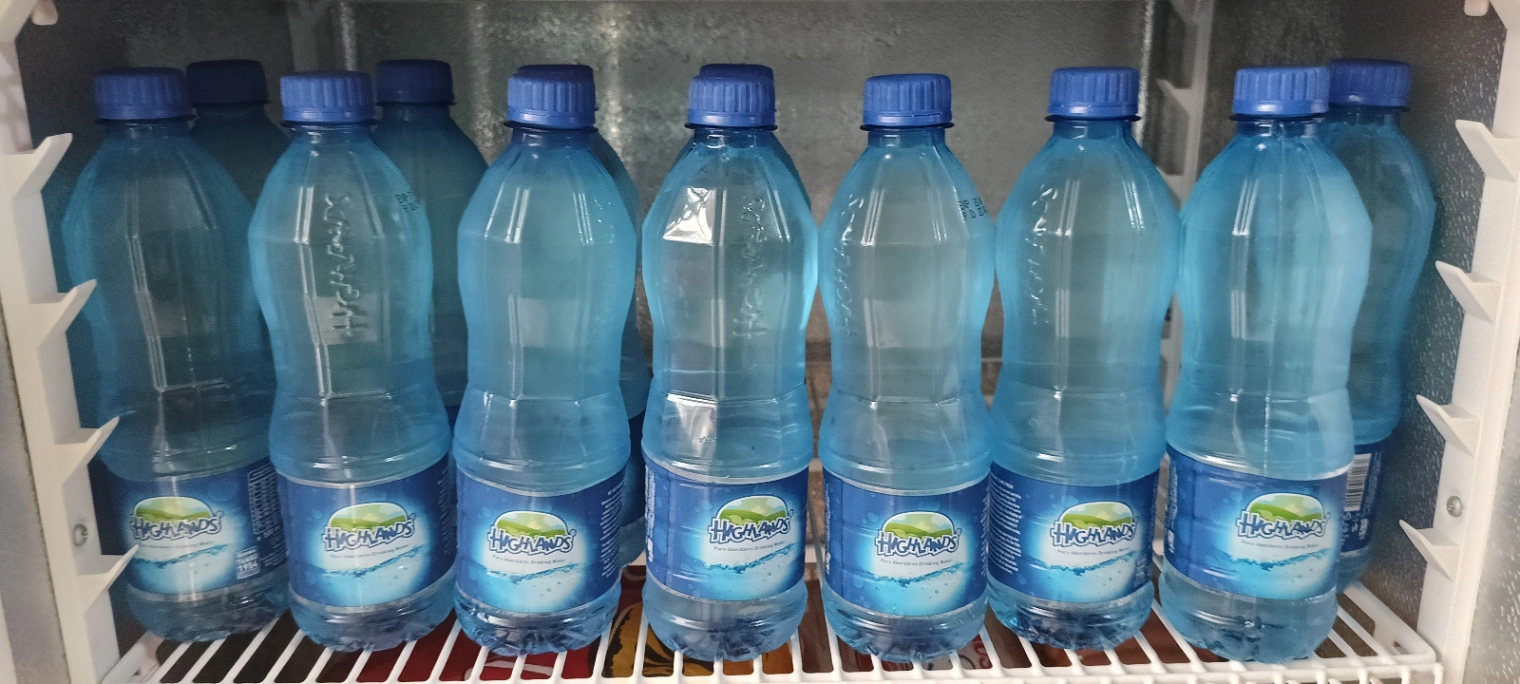
Choose a regular stocktake schedule. High-value or fast-moving items may need more frequent checks than slow-moving products. Pause movement in the count area where practical, count independently, compare physical quantities to records, and investigate large differences. Common causes include unrecorded sales, damaged items, unit conversion errors, theft, delivery shortages, and duplicate product records.
Set reorder levels from evidence
Estimate the time a supplier takes to deliver, how quickly the product usually sells, and how much demand varies. Set a reorder point that gives the business time to replenish without tying up unnecessary cash. Review it after seasonal changes, supplier delays, price changes, or a sustained shift in sales. Avoid treating one fixed reorder quantity as correct for every product.
Review slow-moving and expiring stock
Review products that have not sold within a useful period. Check whether the issue is price, presentation, season, condition, location, or weak demand before ordering more. For goods with batch or expiry needs, record and review those details according to the applicable business and regulatory requirements.
Choose software around your workflow

Before selecting inventory software, test product setup, stock-in records, sales deductions, adjustments, stocktakes, low-stock reporting, exports, staff access, and offline behavior. If you sell through multiple channels, verify how stock is shared and how quickly updates appear. Ask vendors about setup costs, data migration, support, plan limits, and integrations that are included versus paid separately.
Start with accurate records and a repeatable process. Software can make that process faster, but it cannot correct incomplete product data or unrecorded movement by itself. See inventory tools for Kenyan sellers and KobStore plans.