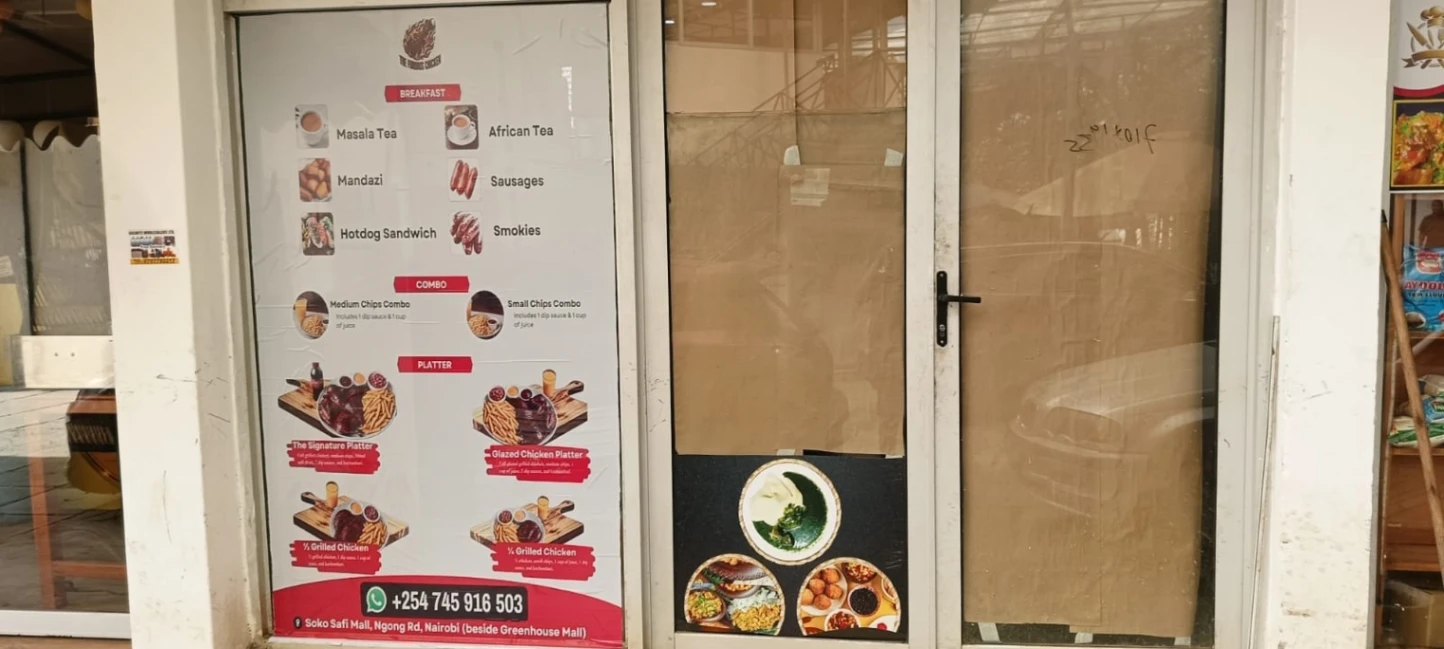

Google Maps can help a customer decide whether a business is nearby and open, but an inaccurate pin can waste a trip. Start by checking the business name, category, phone, hours, entrance, and map pin against the place a customer will actually visit. For a shop in a Nairobi estate or a market stall with a hard-to-find entrance, add a short arrival note where the profile allows it and make sure the pin does not send visitors to a neighbouring road.
Choose the right location setup
A customer-facing premises and a business that travels to clients should not be presented in the same way. Follow Google Business Profile eligibility and address rules; do not create a fake address or use a virtual office to appear in more towns. A plumber who covers Kiambu and parts of Nairobi can state the real service area if eligible, while an appointment-only provider should not imply that walk-ins are welcome. Keep counties and towns realistic enough that the team can fulfil enquiries.
Show proof that helps someone choose
Add recent photos of the actual storefront, entrance, products, team, or completed work?with customer permission. Use descriptions that answer practical questions: what you sell, what jobs you accept, how to book, and whether you deliver. Ask genuine customers for an honest review after service; never buy reviews or offer a reward in exchange for a positive rating. Reply calmly to criticism and take private customer details out of public responses.
Check the profile after a holiday, relocation, or change in phone number. Track calls, direction requests, and the enquiries that become visits, but do not treat a map view as a sale. A KobStore public business page can complement Maps with a shareable catalogue or service description; it does not guarantee a Maps placement or replace accurate profile details.