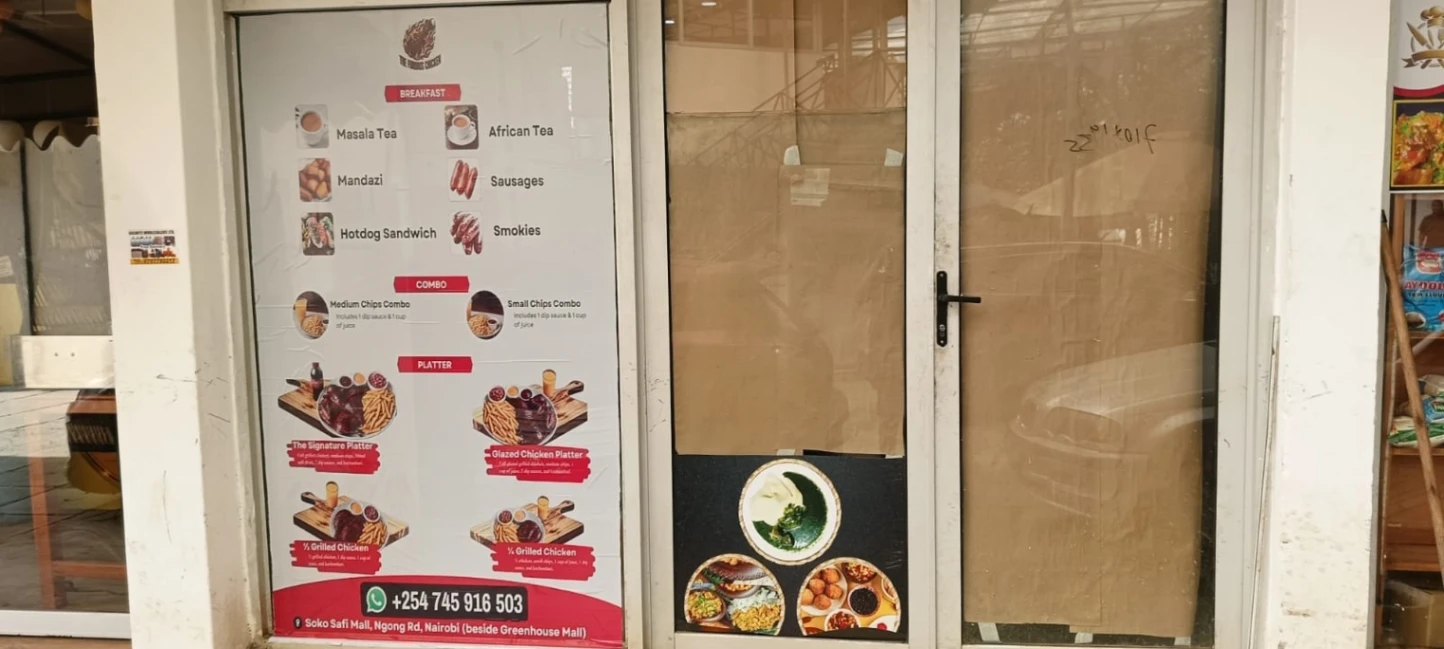

A storefront theme should help a customer understand the offer, not merely match the owner?s favourite colour. A Nairobi fashion boutique may need large garment photographs and visible size options; a hardware supplier may benefit more from readable categories and fast product comparison. Before selecting a theme, identify what customers most often ask and which products or services should be easiest to find.
Test the theme on a phone
Most customers will first open a shared link on a mobile device. Check that product names, KSh prices, options, location, and contact actions are legible without excessive scrolling or pinching. Try the page over mobile data and with a longer product title. Confirm that photographs crop in a way that does not hide product condition or important details, and that buttons remain easy to tap.
Use colours with enough contrast and keep the business name visible. Do not let a decorative banner push the actual offer far below the first screen. A service provider in Kiambu might prioritise service areas and booking details, while an online seller needs stock and delivery information near each product. Keep brand elements consistent with signage and packaging, but avoid copying another business?s design or using unlicensed images.
Let customer tasks guide the choice
Ask someone unfamiliar with the business to locate a product, compare a price, and contact you. If they cannot, revise the layout before promoting the page. Theme choice does not change whether a product is available or guarantee search ranking. Check the current KobStore plan terms to confirm which appearance controls are included.