
An online catalogue becomes confusing when a buyer cannot tell whether two listings are different products, package sizes, or duplicate posts. Before publishing on KobStore, group the offers by the way a customer shops: product type, service, branch, or package. A Nairobi hardware shop might separate plumbing fittings from power tools; a salon in Kisumu might distinguish braiding, natural-hair care, and bridal appointments rather than placing everything under one title.
Write each listing around a decision
Give the offer a specific name and state the options that matter: size, colour, material, duration, starting price, or booking lead time. Use KSh prices consistently and say if the figure is per item, per person, or a starting quote. Explain stock status, collection point, delivery counties, or service areas. If transport, installation, or materials cost extra, state how those are calculated before a customer commits.
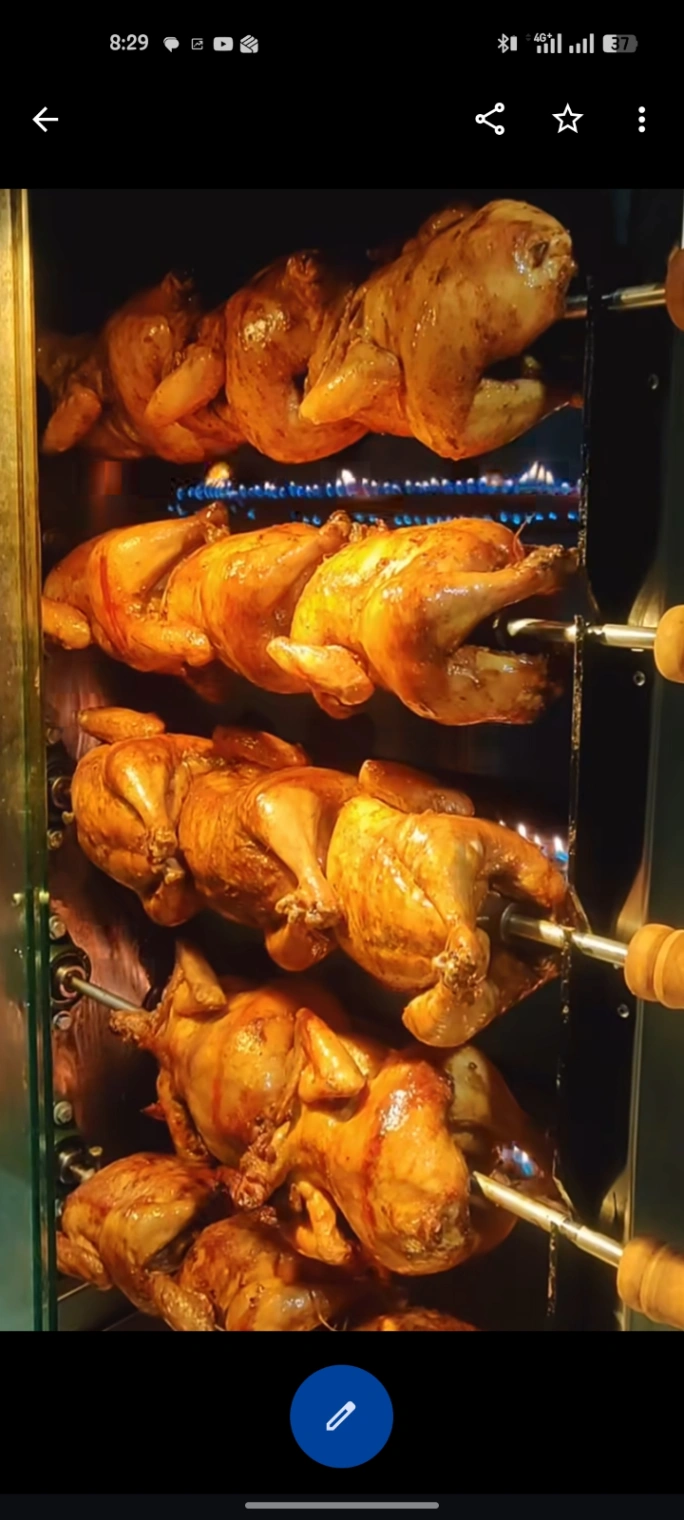
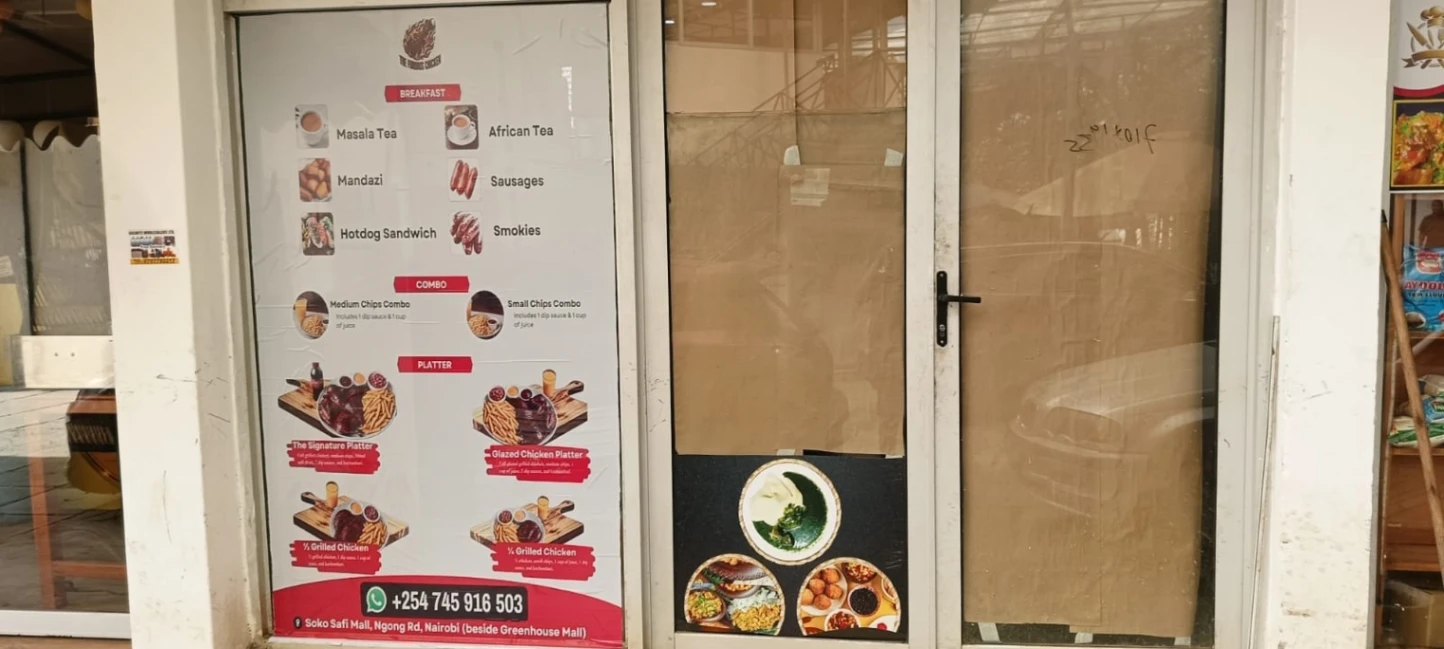
Use a genuine image that matches the offer and remove outdated photographs when the product changes. For made-to-order items, show an example and label it as such. Do not list unavailable stock just to attract enquiries. If the customer must send measurements or request an inspection, say what information is needed and why.
Maintain the catalogue as the business changes
Set a recurring check after supplier price updates, market days, or changes in appointment capacity. Archive seasonal offers when they end and verify phone numbers and links from a second device. A well-organised storefront supports sharing and comparison; it does not guarantee Google rankings or buyer demand. Check listing limits and terms and current prices before choosing a plan for the size of your catalogue.